Pay a Property Tax Bill on MyCravenCountyNC

After locating your property on MyCravenCountyNC (see Add a Property on MyCravenCountyNC), you can complete your payment by following the steps below:
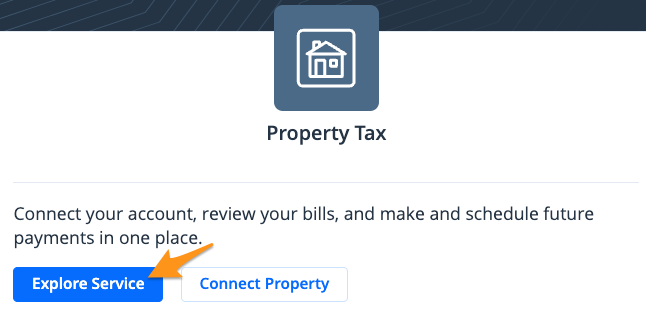
- Click Explore Service
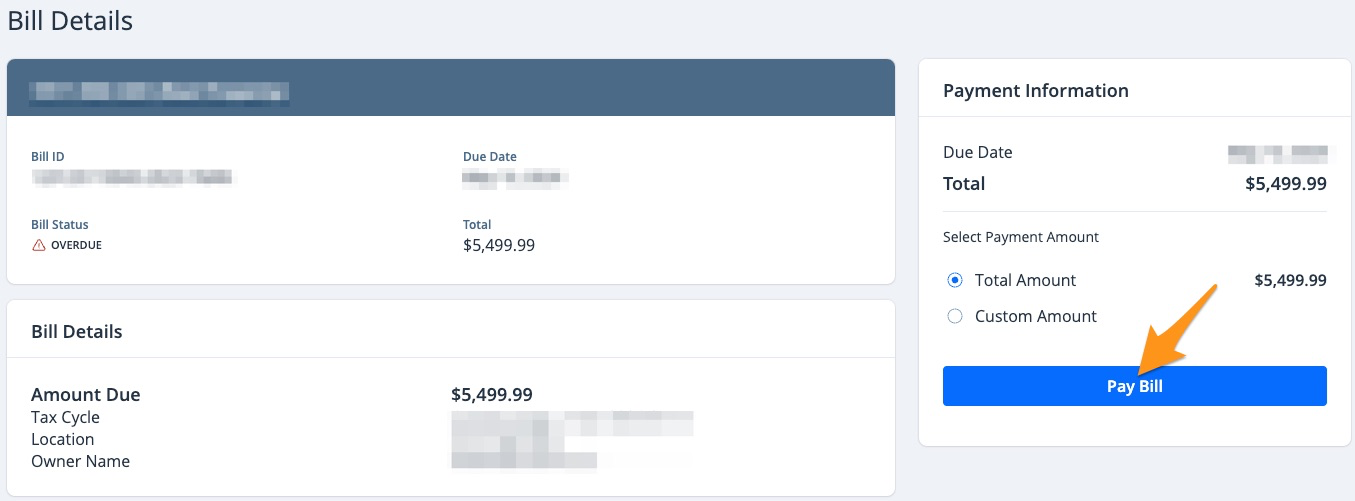
- Select the bill you wish to pay and click Pay Bill (see Partial Payments on MyCravenCountyNC)
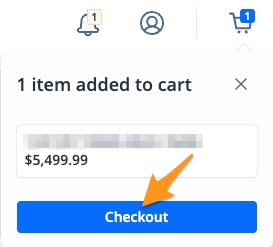
- On the cart notification, click Checkout
- Enter your "Contact Information"
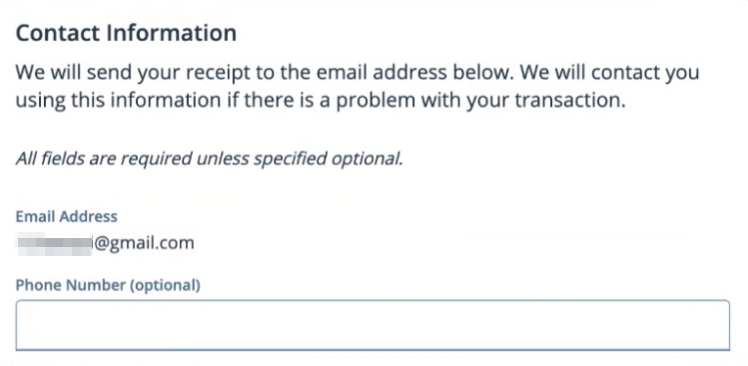
Note: This contact information does not have to be the person to whom the property is registered.
5. Select a payment method and click the blue Pay $--.-- button to complete your payment
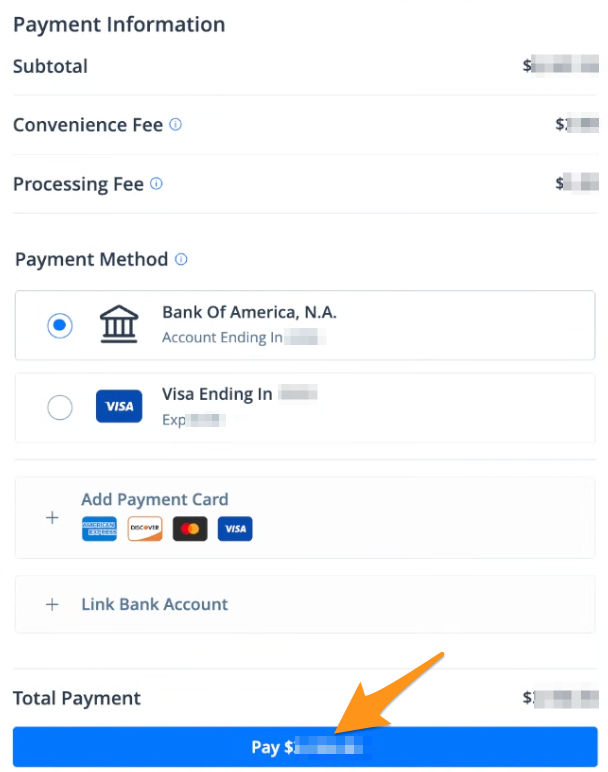
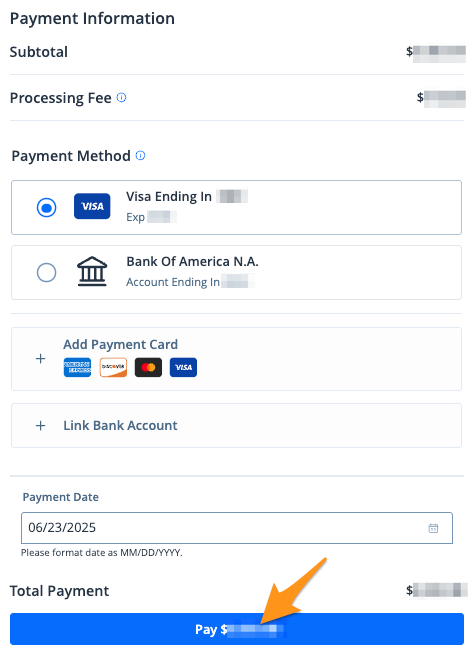
Note: If you have a saved payment method, it will automatically appear here. If you have not added a payment method before or are proceeding as a guest, select Add Payment Card or Link Bank Account to enter your payment information.
After completing your payment, you will receive an email confirmation. If you are signed into your MyCravenCountyNC profile, a receipt will also be stored in the "Payment History" section of your profile (seeFind a Receipt on MyCravenCountyNC).